Apartment 38M — Access & Key Safe
Self check-in is straightforward at Apartment 38M. Please review the details below before your flight lands.
📍 Exact Navigation Coordinates
Section titled “📍 Exact Navigation Coordinates”- Google Maps: Open Apartment 38M Location
- what3words Door Locations:
- Front Door Approach: ///advertise.restarting.commenting
- Secondary / Alternate Access: ///carver.restaurant.outfits
- Arrival Guide Shortlink:
wiki.fuerta.uk/arrival
🕒 Pre-Arrival: Confirm Your Arrival Window
Section titled “🕒 Pre-Arrival: Confirm Your Arrival Window”While check-in times can be flexible depending on the previous departure, please message Bart with your expected arrival time:
- Ensures our cleaning team has finalized turnover inspection.
- Confirms the hot water boiler is fully powered on and heated.
- Ensures external security cameras are disabled prior to your arrival for complete privacy.
🚗 Approaching the Complex & Parking
Section titled “🚗 Approaching the Complex & Parking”- Enter Urbanización Aguas Verdes: Remember that the smooth tarmac ends at the urbanization entrance. If you find yourself on a rough gravel track to Playa del Valle, turn back ~100 meters into the paved complex.
- Follow Internal Road Uphill: Drive through the heart of the complex, following the internal paved road almost to the far end, heading uphill toward the residential parking area.
- Park ~30 Meters from the Entrance: Park in the designated upper parking zone. The regional road and parking bays are paved; internal walkways leading to the apartment consist of stone, concrete, and reinforced gravel (sensible flat footwear is helpful for bags).
🔐 Dual Key Safe Access (Primary & Backup)
Section titled “🔐 Dual Key Safe Access (Primary & Backup)”Apartment 38M is equipped with two lockboxes for your convenience:
- Primary Lockbox: Mounted directly beside the front entrance door.
- Backup Lockbox: Located near the terrace stairs.
- Access Code: Both lockboxes use the exact same 4-digit code (sent via Airbnb message prior to arrival).
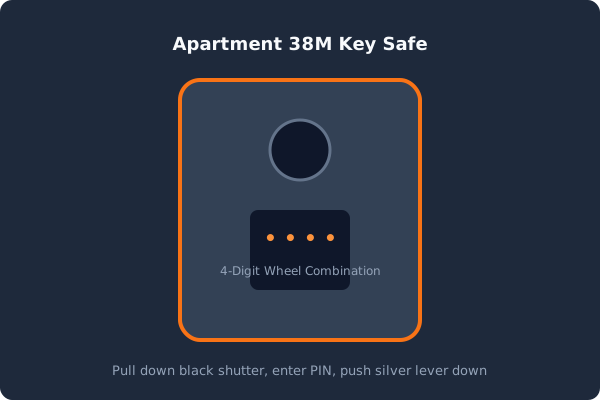
How to Open:
Section titled “How to Open:”- Pull down the protective black shutter.
- Align the 4 digits along the central horizontal line.
- Push the silver release lever downwards to open the compartment.
- Retrieve the key set.
- Close firmly and scramble dials to random digits (e.g.
0000).
📺 Entering & Getting Connected
Section titled “📺 Entering & Getting Connected”- Unlock the door and step inside.
- Under the TV, look for the welcome house booklet, which contains the printed Wi-Fi QR code.
- Connect your phone to
38m.aguasverdes.es(or the backupstarlink.aguasverdes.es) and immediately turn on Wi-Fi Calling in your phone settings to restore mobile communications.